
PRESS RESOURCES
Captain’s Ledger Press & Media
Captain’s Ledger is a digital logbook for tracking, organizing, and documenting sea time.
Resources for journalists, maritime publications, creators, and industry partners covering sea-time recordkeeping for captains, aspiring captains, and maritime professionals.
Last updated
01 / PRODUCT COPY
A description for every format.
Copy a version below, or download all descriptions with the product facts.
Short description24 words
Captain’s Ledger is a digital logbook for tracking, organizing, and documenting sea time, helping captains, aspiring captains, and maritime professionals maintain organized sea-service records.
Standard description74 words
Captain’s Ledger is a digital logbook for tracking, organizing, and documenting sea time. Built for captains, aspiring captains, and maritime professionals, it brings service dates, hours, vessel details, and trip records into one place. Users can maintain vessel-specific histories and review their recorded sea service. Pro features include license-progress tracking, recency monitoring, and reporting. Available for iPhone and Android, Captain’s Ledger supports personal recordkeeping; it does not determine credential eligibility or certify sea service.
Extended description151 words
Captain’s Ledger is a digital logbook for tracking, organizing, and documenting sea time. It helps captains, aspiring captains, and maritime professionals maintain a clear history of their sea service. Users can record service dates, hours, and trip details, connect entries to vessels, and review vessel-specific histories. Keeping this information together makes it easier to revisit past entries and understand the records accumulated over time. Pro features include license-progress tracking, recent sea-service monitoring, and reporting for mariners organizing their records around professional goals. Captain’s Ledger is available for iPhone and Android. Feature access depends on the plan and installed app version. Its role is to assist with recordkeeping: it does not determine eligibility for a maritime credential, certify sea service, or guarantee acceptance of records. Mariners remain responsible for accurate entries and for checking current documentation and credential requirements with the relevant authority. Product information and app links are available at captainsledger.com.
02 / AT A GLANCE
The product facts.
Purpose & audience
Captain’s Ledger is a digital logbook for tracking, organizing, and documenting sea time.
- Captains maintaining sea-time records
- Aspiring captains organizing their sea-service history
- Maritime professionals documenting time aboard vessels
- Website
- captainsledger.com
- Available on
- iPhone · App Store ↗Android · Google Play ↗
Available features
- Sea-time entriesCore recordkeeping
Record service dates, hours, and trip details.
- Vessel-specific historiesCore recordkeeping
Organize entries across multiple vessels and review service by vessel.
- License-progress trackingPro
Review recorded sea service against a selected license goal.
- Recent sea-service monitoringPro
Review recency alongside your recorded service history.
- Sea-service reportingPro
Generate reports to help organize and review your sea-time records.
Feature access depends on the subscription plan and installed app version. See the current store listing and in-app plan details.
03 / MEDIA LIBRARY
Ready for your next story.
Original artwork and app-store screenshots. Screenshot records are demonstration data.
Descriptions & facts
All three product descriptions, verified facts, app links, and screenshot captions.
Download TXTPDF media kit
Product overview, audience, features, screenshots, links, and press contact.
Download PDFBrand assets

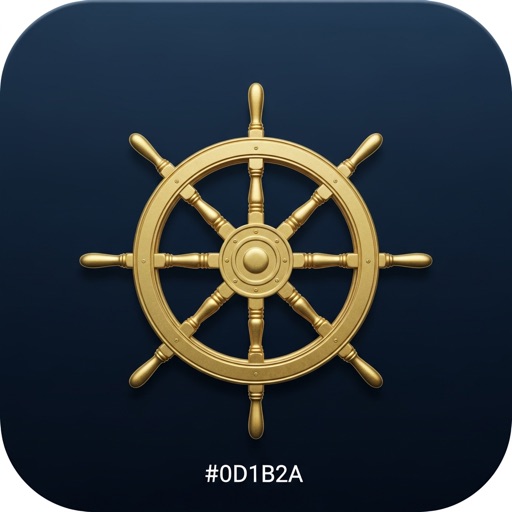
Website logo
Original website artwork; navy background retained.
Download PNG
Current iPhone app icon
Artwork supplied by the current App Store listing.
Download JPG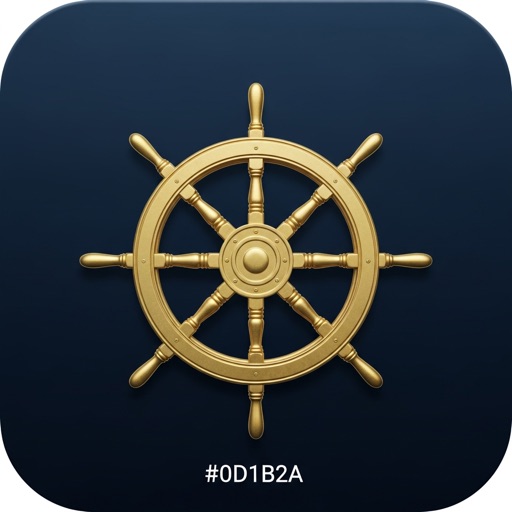
App screenshots
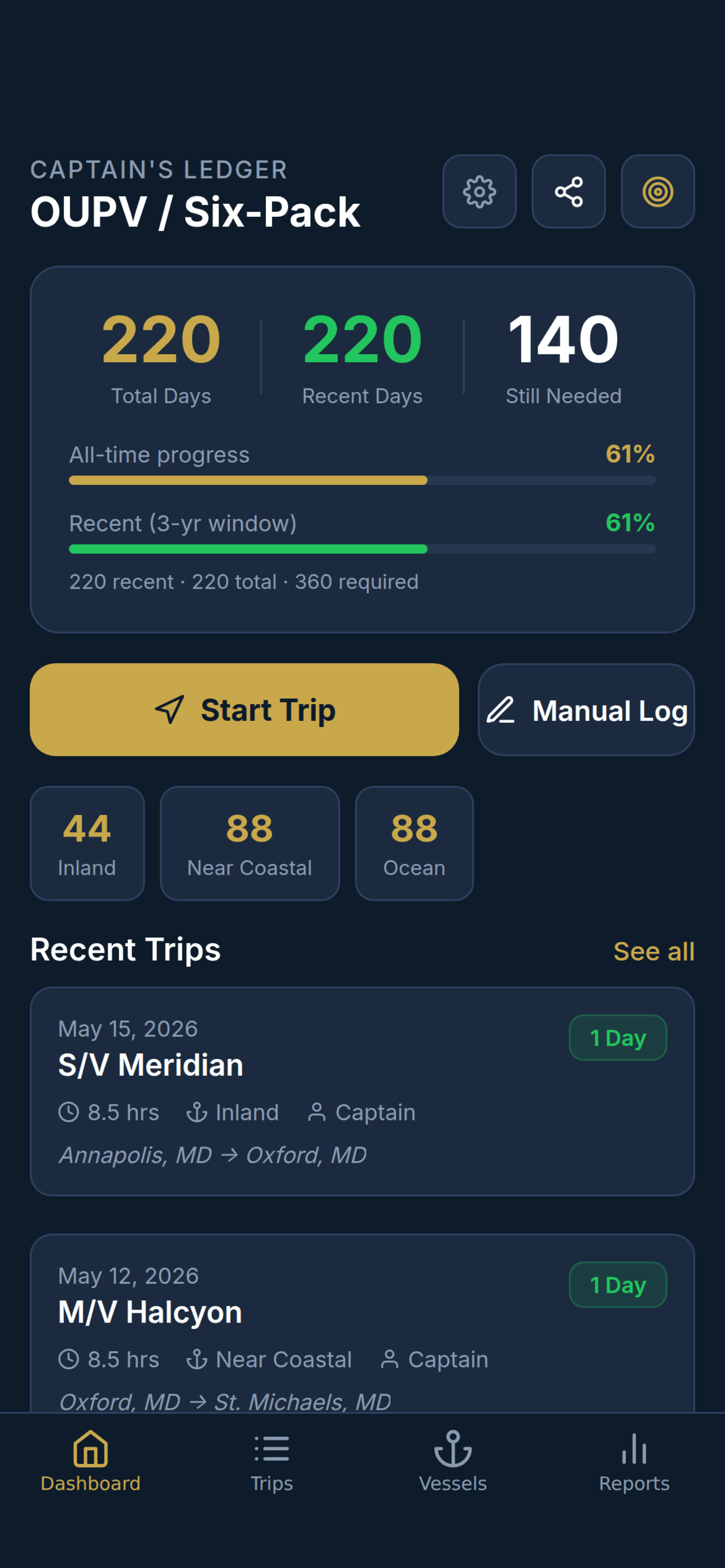
Sea-time dashboard
Review recorded sea time and license progress. Store screenshot with demonstration data.
Download PNG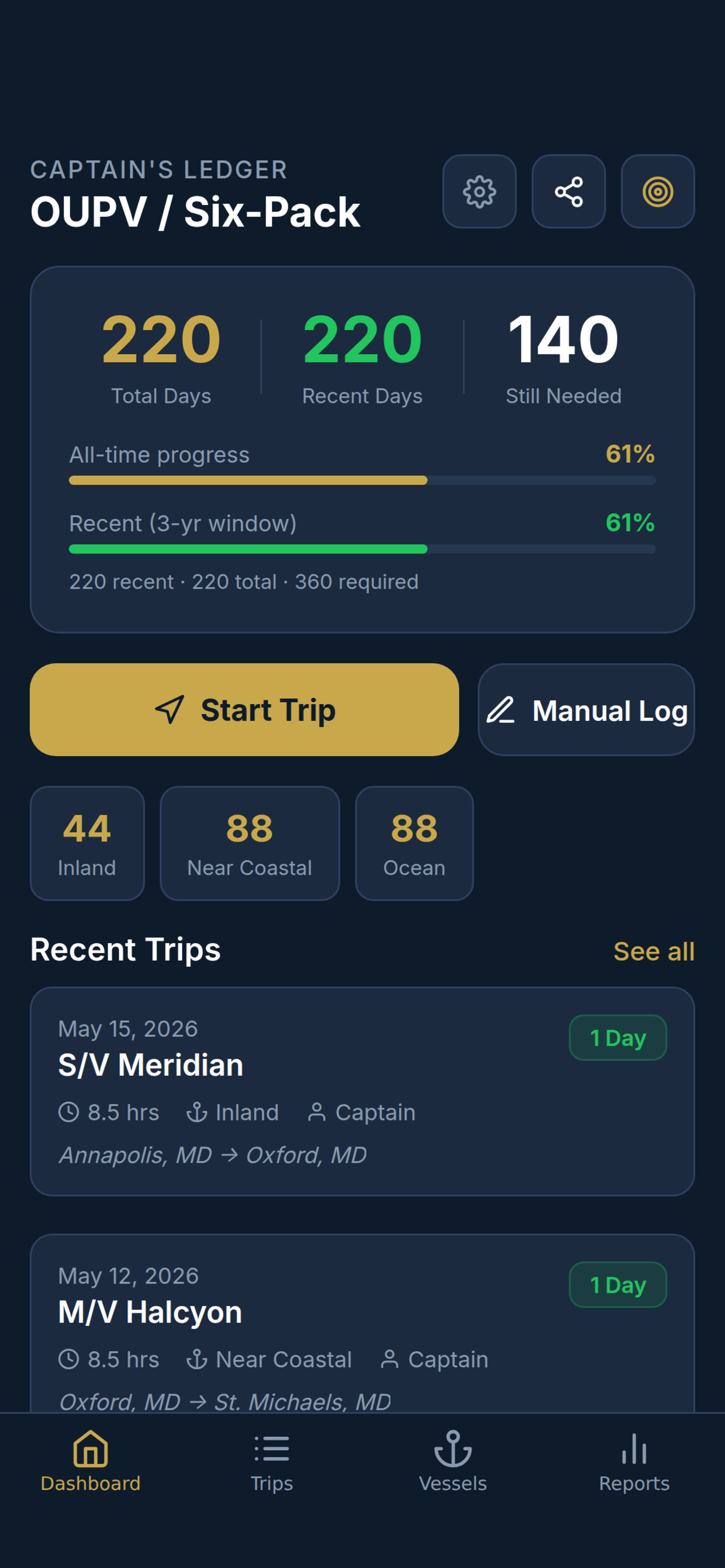
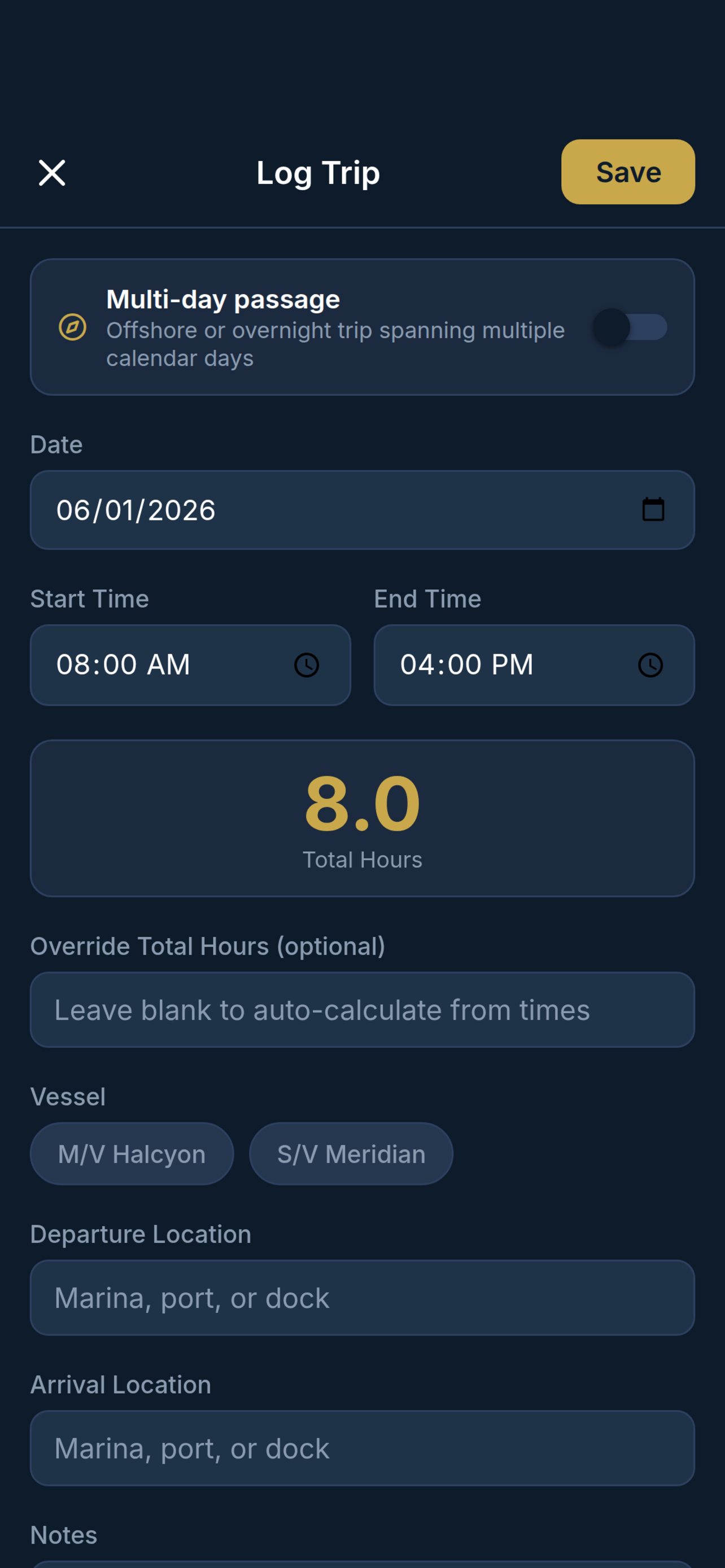
Sea-time entry
Record a date, hours, and vessel for a sea-time entry. Store screenshot with demonstration data.
Download PNG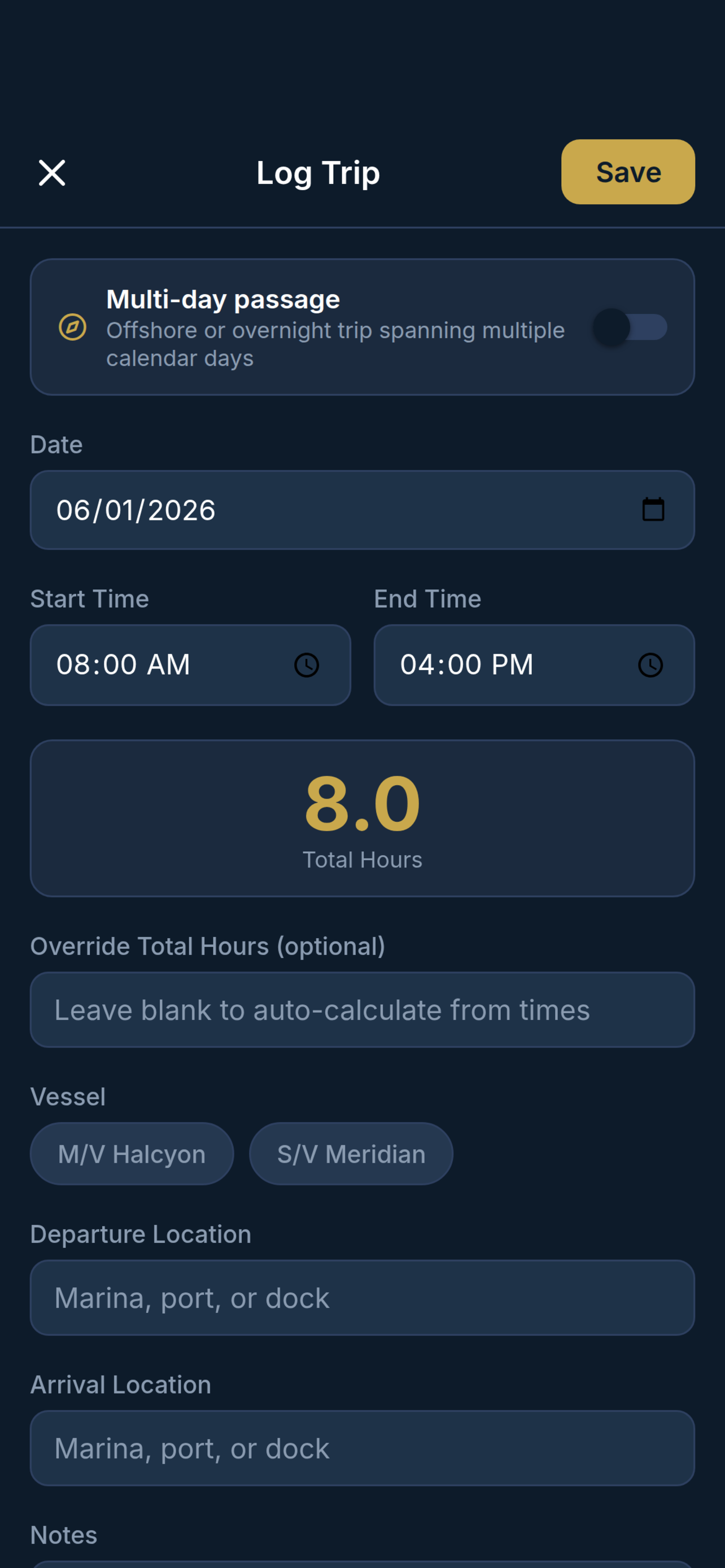
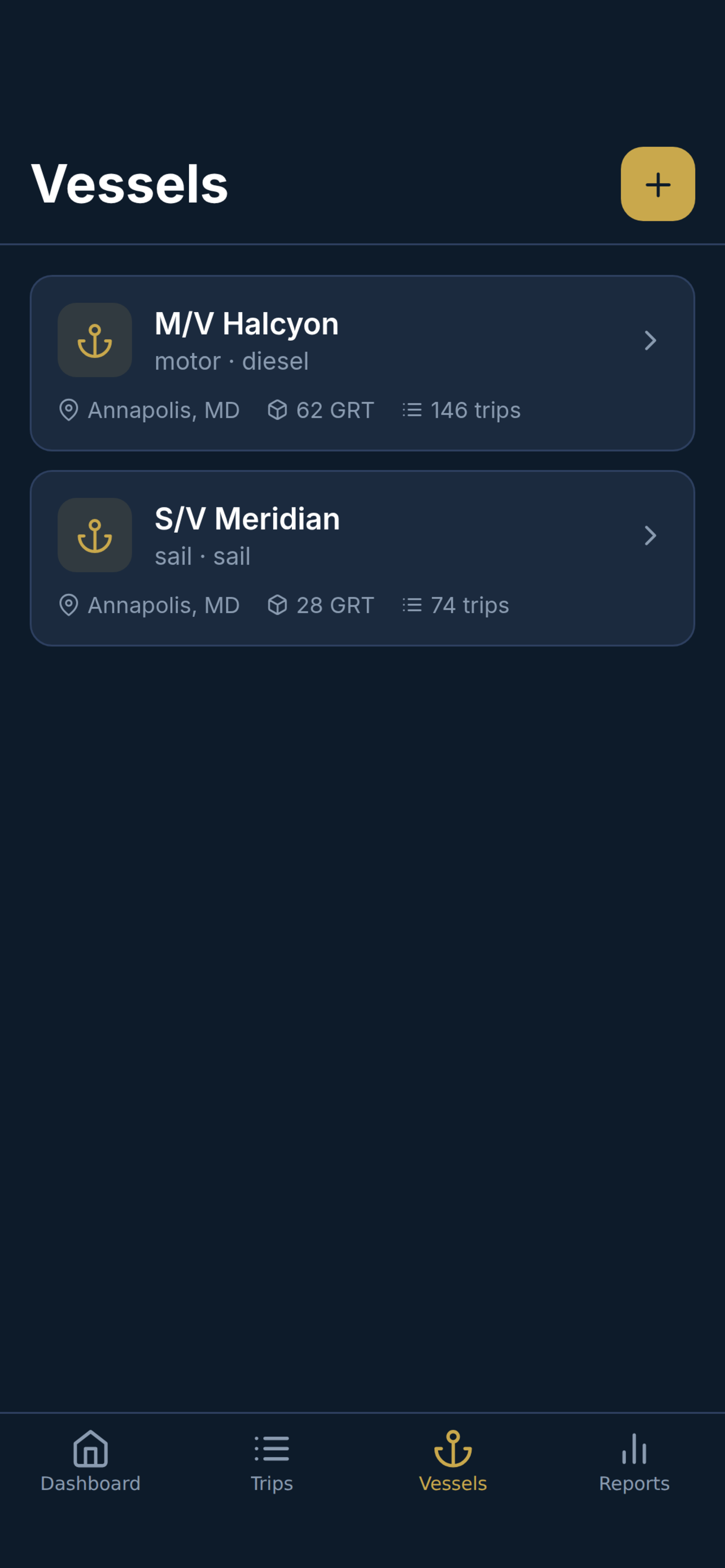
Vessel records
Keep sea-time records organized by vessel. Store screenshot with demonstration data.
Download PNG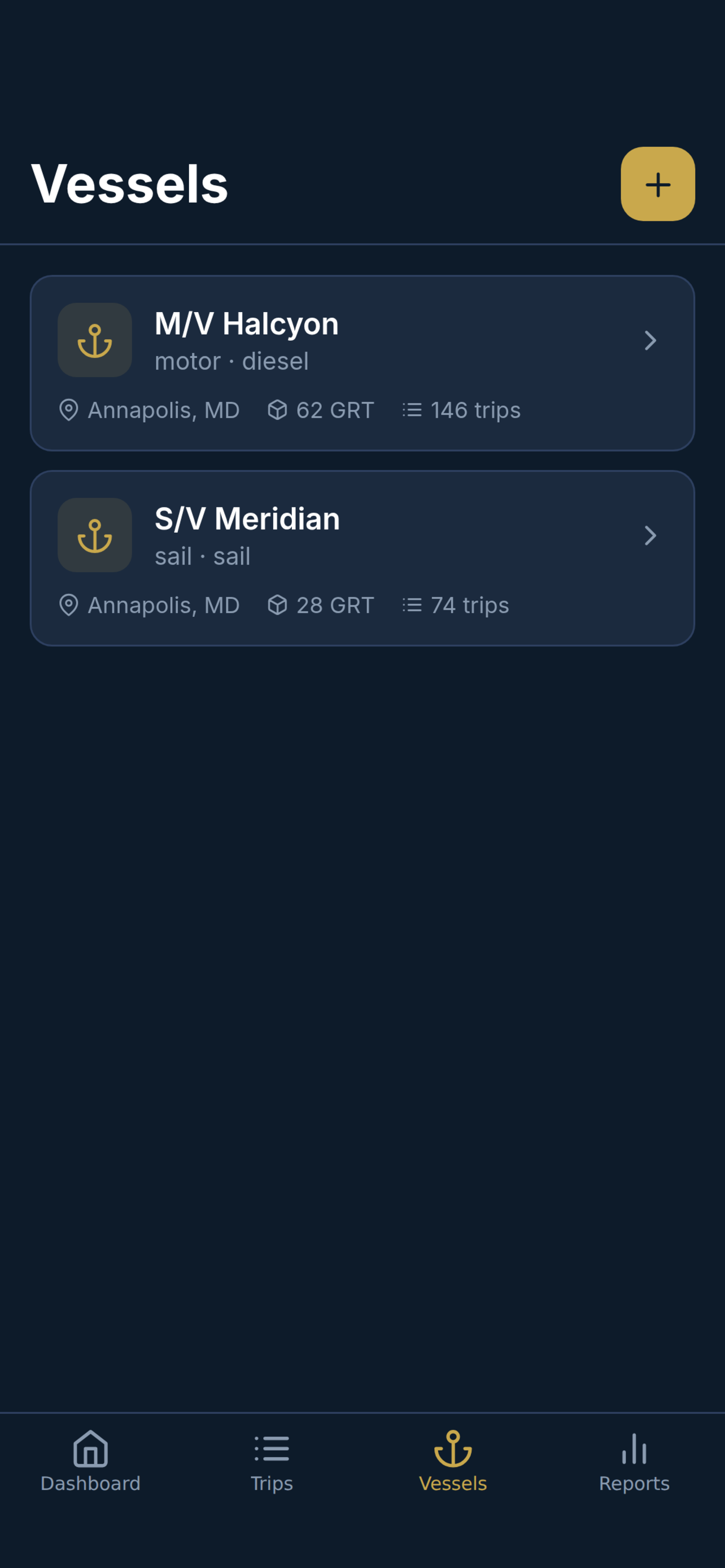
04 / BRAND USE
Keep the identity consistent.
#0D1B2A#C9A84C#F0F4FA- Use the supplied artwork in its original colors and proportions. The gold in the wheel artwork contains tonal variations; do not flatten or recolor it.
- Leave clear space around the mark of at least one quarter of the artwork’s width. Keep captions and other marks outside that space.
- Do not crop, stretch, rotate, redraw, or add effects to the logo. Keep the supplied background where it is part of the artwork.
- You may reproduce the supplied assets for factual editorial coverage of Captain’s Ledger. Identify the product accurately and link to captainsledger.com where practical.
- Editorial use does not imply sponsorship, endorsement, certification, or a commercial partnership. Contact the press address for other uses.
- Use the positioning statement in this kit. Describe estimates and progress tools as recordkeeping assistance, without implying official credential approval.
LET’S TALK
A question behind the story?
For interviews, product questions, or additional media materials, contact Captain’s Ledger.